
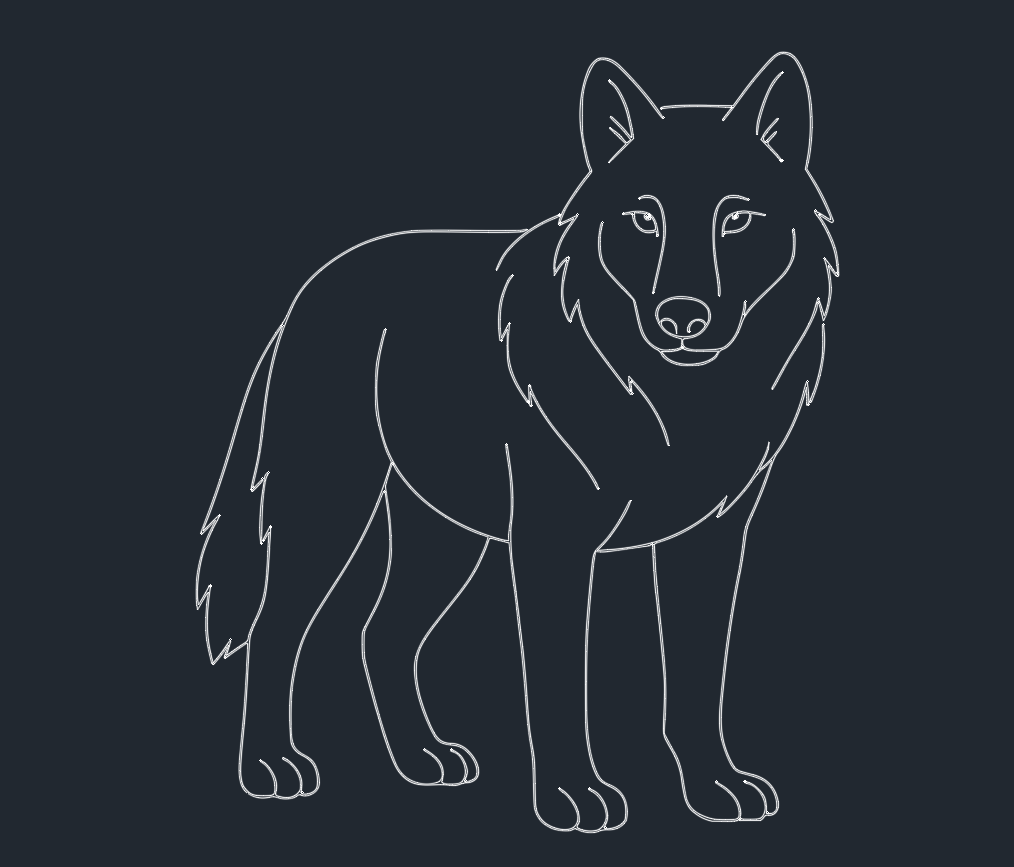
Introduction to Wolves in CAD Design
Wolves are iconic animals, often symbolizing strength, intelligence, and teamwork. For engineers, CAD designers, and architects seeking detailed representations of wildlife in their projects, wolf DWG blocks and AutoCAD files are essential resources. Incorporating accurate wolf designs into your CAD library can enhance presentations, architectural visualizations, and landscape plans.
Importance of Wolves in Architectural and Engineering Projects
Incorporating wolves into CAD designs goes beyond aesthetics. Wolves can serve as thematic elements in parks, zoos, educational spaces, and environmental studies. By using precise wolf DWG blocks, engineers and architects can demonstrate ecological awareness and add narrative depth to their projects. The inclusion of wolves in landscape architecture or structural planning shows a commitment to biodiversity and environmental storytelling.
Technical Aspects of Wolf DWG Blocks
When integrating wolves into AutoCAD projects, the technical quality of DWG blocks is crucial. High-quality wolf DWG files should feature:
– Accurate proportions and anatomical details
– Multiple views (side, front, top)
– Editable layers for customization
– Compatibility with major CAD software versions
Choosing well-designed wolf CAD blocks ensures seamless integration into your workflows and maintains project professionalism.
Common Applications for Wolf DWG Files
Wolf DWG blocks are used in several architectural and engineering contexts, including:
– Wildlife park layouts
– Themed commercial spaces
– Environmental impact visualizations
– Educational exhibit design
– Outdoor signage and wayfinding
By leveraging wolf CAD blocks, designers can quickly communicate the presence or theme of wildlife within a space, aiding both clients and contractors in understanding project intent.
Sourcing and Licensing Wolf CAD Blocks
It is vital to source wolf DWG files from reputable CAD libraries. Always verify licensing terms to ensure legal usage in your commercial or public projects. Many CAD libraries offer free or premium wolf blocks with clear licensing agreements, supporting both personal and professional use.
Integrating Wolves into Your CAD Library
To efficiently use wolf DWG files:
1. Download from trusted sources.
2. Verify the file format and AutoCAD version compatibility.
3. Import the wolf block into your project file.
4. Adjust scale, orientation, and layer settings as required.
Maintaining an organized DWG library with well-labeled folders for animal blocks, including wolves, can streamline future project workflows.
Best Practices for Using Wolves in AutoCAD Projects
Engineers and architects should follow these best practices when utilizing wolf representations in CAD designs:
– Maintain Scale Accuracy: Ensure wolf blocks are proportionate to other design elements.
– Layer Management: Place wolves on separate layers for easy visibility toggling.
– Clarity in Presentation: Use outline or shaded wolf blocks depending on drawing type (conceptual vs. technical).
– Annotation: Clearly label wolf symbols in layouts for client and contractor clarity.
– Avoid Overcrowding: Use wolves judiciously to maintain project readability and focus.
Enhancing Project Value with Wolf DWG Files
Adding wolves to your CAD projects can increase visual interest, support thematic storytelling, and reflect a thoughtful approach to design. For landscape architects, engineers, and designers working on nature-related projects, wolves in CAD drawings convey ecological sensitivity and attention to detail.
Conclusion
Wolves are powerful symbols and practical design elements in engineering and architectural projects. Utilizing high-quality wolf DWG files and AutoCAD blocks ensures technical precision and supports compelling project narratives. By following best practices for integration and sourcing, engineers and CAD designers can enhance their work, meet client needs, and maintain professional standards across all project phases. For your next wildlife-themed design, consider adding wolves to your CAD library for greater impact and relevance.
Leave a Reply
You must be logged in to post a comment.